
Best Photo editing PC for Canada
A PC for Lightroom and Photoshop — fast cores, RAM for high-resolution files and an SSD for the catalog. Prices and availability for Canada.
Requirements vs this build
need · used| CPU cores | 9 / 14 | 64% | OK |
|---|---|---|---|
| RAM | 48 / 64 GB | 75% | OK |
| Storage | 4 / 4 TB | 100% | Full |
| GPU | Any |
Power
- Usage
- 24/7
- Idle
- 40 W
- Typical
- 63 W
- Peak
- 169 W
- Energy / year
- ≈ €66
- Over 3 years
- ≈ €198
Score
Why this variant
Balances your priorities with a 1293€ price tag and a 40W idle draw.
- Not specialized: it does not push any single dimension (value, silence, expansion) to the extreme.
- Intel Core i5 14600K: 14 cores / 20 threads covers the 9 cores needed with headroom.
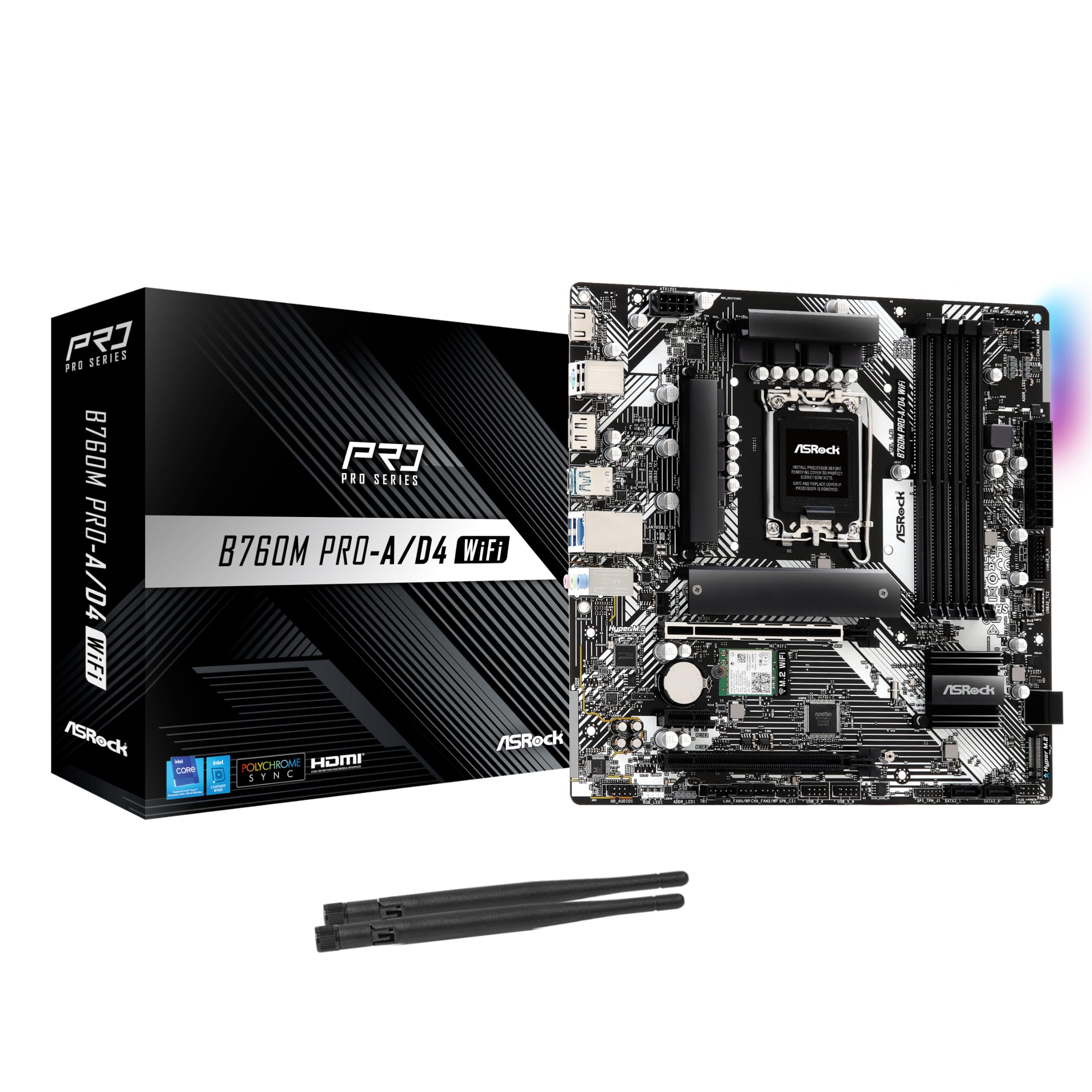
- Motherboard Intel B760 (LGA 1700): matches the CPU socket and case size.
- RAM: 64GB DDR5,DDR4 — meets the 48GB the workload requires.
- All variants are close; the winner matches your priorities best.
Before you buy
 €262Finding prices…
 €110Finding prices…
 ramG.Skill Trident Z Royal Silver DDR4-3600 CL16 64GB (4x16GB)64 GB DDR4 · 3600 MT/sAlternatives & swap≈ €454Finding prices…
 caseCorsair FRAME 4000D RS Modular Mid-Tower ATX PC Case - WhiteATX/MATX/ITX/EATX · 2× 3.5″Alternatives & swap€78Finding prices…
 coolingThermalright Assassin X 120 Refined SE Air 120mm Black / Silverair tower · 148 mmAlternatives & swap€16Finding prices…
 €74Finding prices…
 €211Finding prices…
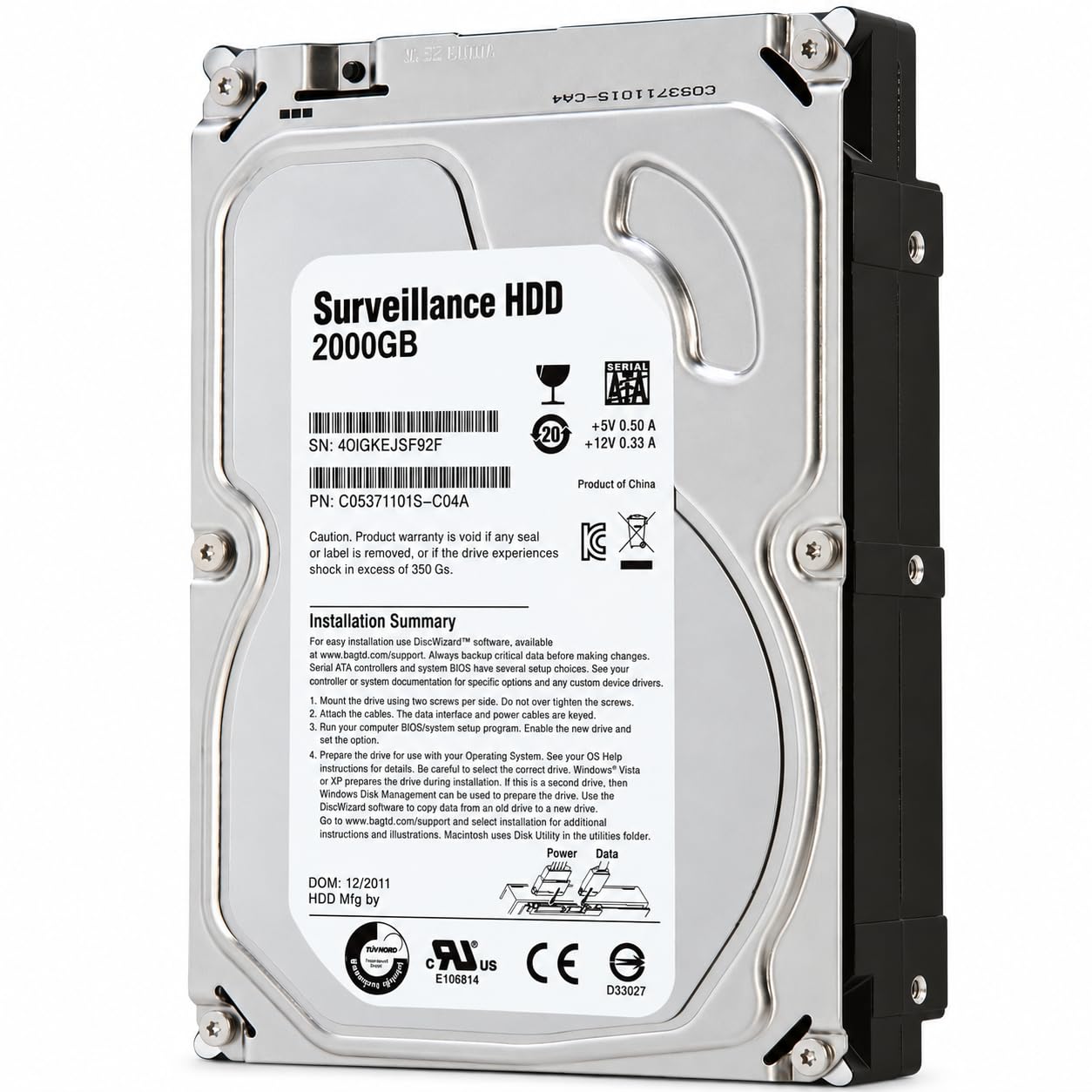 storageMDD ST2000VM003 2TB 5900RPM 64MB Cache SATA 6.0Gb/s 3.5inch Surveillance Hard Drive3.5 HDD · 2 TBAlternatives & swap€88Finding prices…
Future-proof score
Strong future-proofing72/100
Strong future-proofing (72/100) — this build should stay relevant for years without major surgery.
DIY build — the CPU, motherboard and PSU can each be upgraded independently without replacing the whole system.
Expansion headroom: 3 PCIe slot(s), 3 M.2, 3 SATA, 1 drive bay(s), 0 RAM slot(s) free.
Storage is 100% utilized with 1 free drive bay(s) and 3 free SATA port(s).
0 RAM slot(s) free; memory is 75% utilized.
Networking is 2500 Mbps, and a free PCIe slot can add a faster NIC later.
ATX form factor with standard, socketed components — most parts are easy to replace.
No GPU (the iGPU handles transcoding), but there is room (3 PCIe slot(s), PSU headroom 4.4x) to add one for AI.
Homelab Risk Score
Moderate risk41/100
Moderate risk (41/100) — a few items are worth fixing before you commit (see checklist).
Final build audit
Audit found 0 critical and 1 warning item(s) worth fixing before you buy.
What becomes the limit
RAM is maxed out is the most likely thing to date this build within 1-2y.
What limits you first
Storage is the closest to its limit (100% of capacity in use) — it will likely force the next upgrade.
- Upgrade storage to Toshiba MG07ACA14TE 14TB HDD 3.5" 7200RPM SATA
- Add Microconnect MC-PCIEX4-X520-DA1 network card Internal Fiber 10000 Mbit/s
- Add Seagate Constellation ES.3 4TB 3.5" HDD 7200RPM SAS 6.0 Gb/s
- Upgrade storage to Seagate ST6000NM0024 6TB HDD 3.5" SATA
Mission
- Budget
- —
- Energy priority
- 5/10
- Noise priority
- 3/10
- Expansion priority
- 5/10
Recommended architecture
diy · tower build on LGA 1700 + Intel B760- Compute
- Intel Core i5 14600K
- Memory
- G.Skill Trident Z Royal Silver DDR4-3600 CL16 64GB (4x16GB)
- Storage
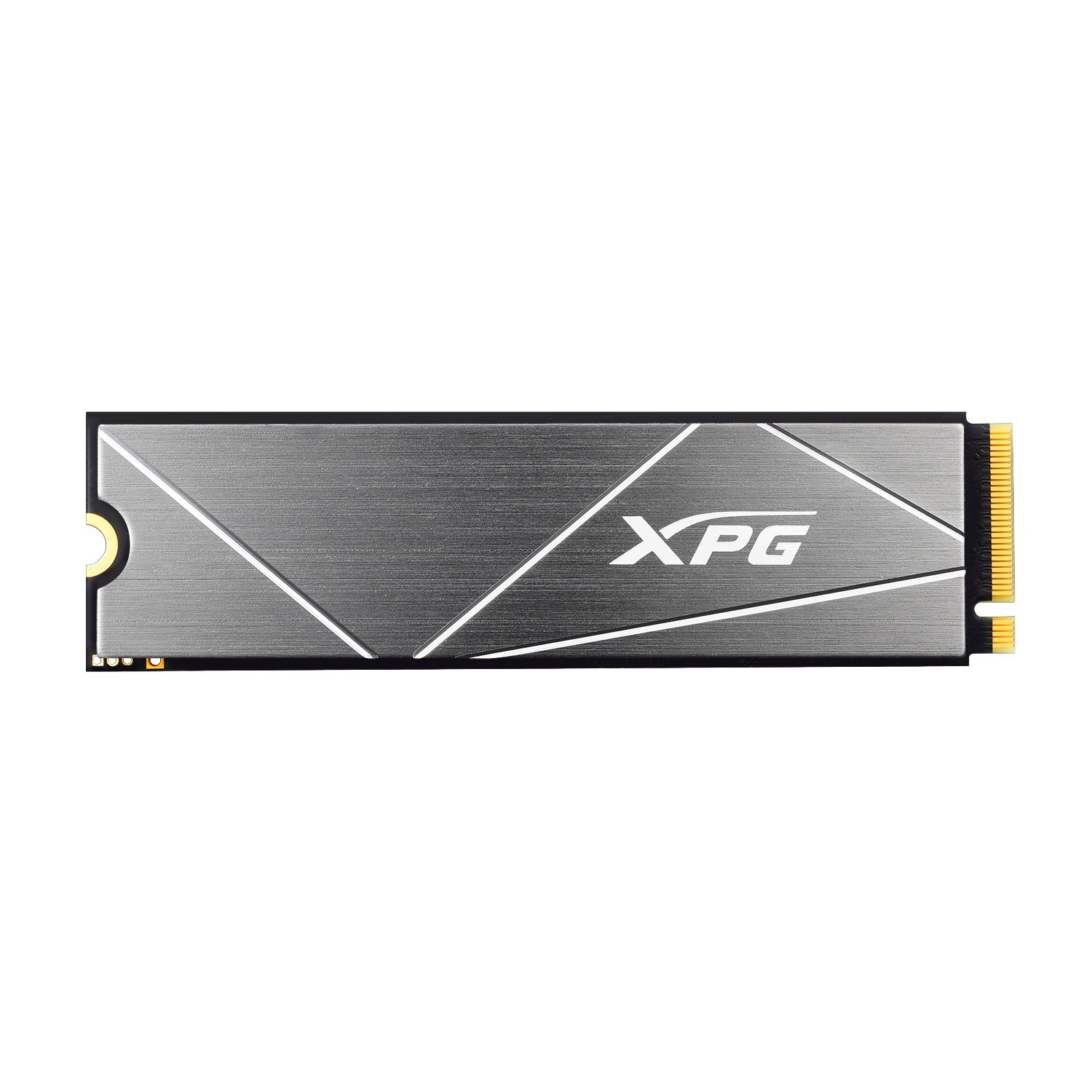
- ADATA XPG GAMMIX S50 Lite 2TB M.2 SSD PCIe 4.0 NVMe, MDD ST2000VM003 2TB 5900RPM 64MB Cache SATA 6.0Gb/s 3.5inch Surveillance Hard Drive
- Networking
- 2.5G onboard
- Cooling
- Thermalright Assassin X 120 Refined SE Air 120mm Black / Silver
- Power
- Thermaltake Toughpower GT 750W Black
- Expansion
- 3× PCIe, 3× M.2, 3× SATA, 1 bay